Guides · 14 Aug 2026 · 3 min read
Your Tinder or Hinge Data Export Is on a Clock. Here's How Not to Miss It
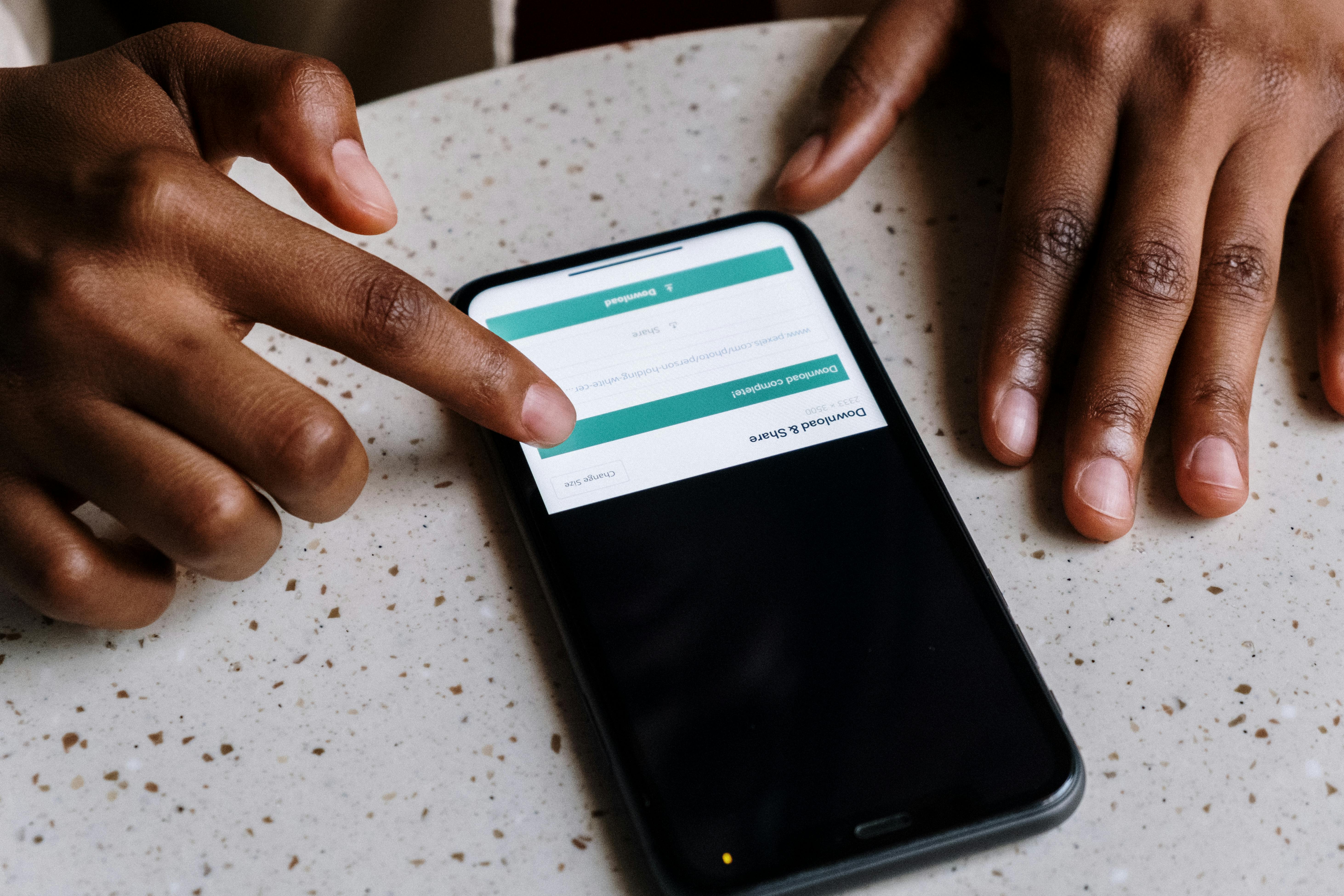 Photo: cottonbro studio, via Pexels
The clock starts the moment you request it
Here's a way to lose an evening: request your Tinder or Hinge data, get pulled away by literally anything else, and come back the next day to a dead link. You have to start over. It happens constantly, and neither app makes the deadline obvious until you've already blown past it.
If you're about to pull your export so you can see your match rate, activity timeline, and Rizz Score on RizzStats, it helps to know the actual rules before you request anything.
What actually happens on each app
Tinder: 24 hours, no exceptions
Tinder's process runs through the Manage My Account Tool (or Settings → Download My Data in the app). You confirm the email address you want the file sent to, submit, and wait. Tinder says the link arrives within a few days.
The part people miss: once that email lands, the download link expires 24 hours later. Not 24 hours from when you click it, 24 hours from when it's sent. If it sits in your inbox overnight, you can watch the countdown run out without ever opening it.
Hinge: a slower request, a 48-hour window
Hinge's flow lives under Settings → Download My Data in the app: pick your country, confirm your email, submit. Per Hinge's own help documentation, most exports are ready within 30 days, though plenty of people report it landing much faster. Once it's ready, you get 48 hours to grab it before the link dies.
Two different apps, two different clocks, both of them shorter than the "I'll get to it this weekend" plan most people have.
If you miss the window
There's no partial credit and no way to extend it. You resubmit the request and wait again, which is the whole reason this is worth flagging before you request anything: read this first, block out ten minutes once the email actually shows up, and you skip the second wait entirely.
Getting it into RizzStats without the file fighting you
Once you've got the export downloaded, RizzStats accepts either the .json files directly or the .zip archive the apps hand you, no need to unpack anything yourself. The parsing happens right there in your browser before your privacy choices are even applied, so nothing about the raw file goes anywhere yet.
Two things trip people up after that:
"This file looks empty" errors. If a Tinder export comes back with zero recorded usage days and zero matches, the upload step will reject it rather than quietly building you a blank profile. That's not a bug, it's a deliberate check against the wrong file getting uploaded (a partial export, a corrupted download, or a file downloaded for a different account). If you hit it, the fix is almost always just re-requesting a fresh export rather than fighting with the one you have.
Re-uploading "just in case." If you're not sure your first upload went through cleanly, upload again. RizzStats hashes the content of what you send, so re-uploading the same export doesn't create duplicate matches or double-count anything, it just confirms what's already there.
Before any of that data gets stored, the upload wizard asks what to include: bio, city, gender, and who you're interested in are all on by default, and you can switch any of them off on the last step before you hit submit. That choice happens client-side, before the extracted payload is sent anywhere, so it's worth actually reading rather than clicking through.
Get the timing right on the request, and the upload itself is the fast part.